
Grok
Grok
Grok User Guide
Overview
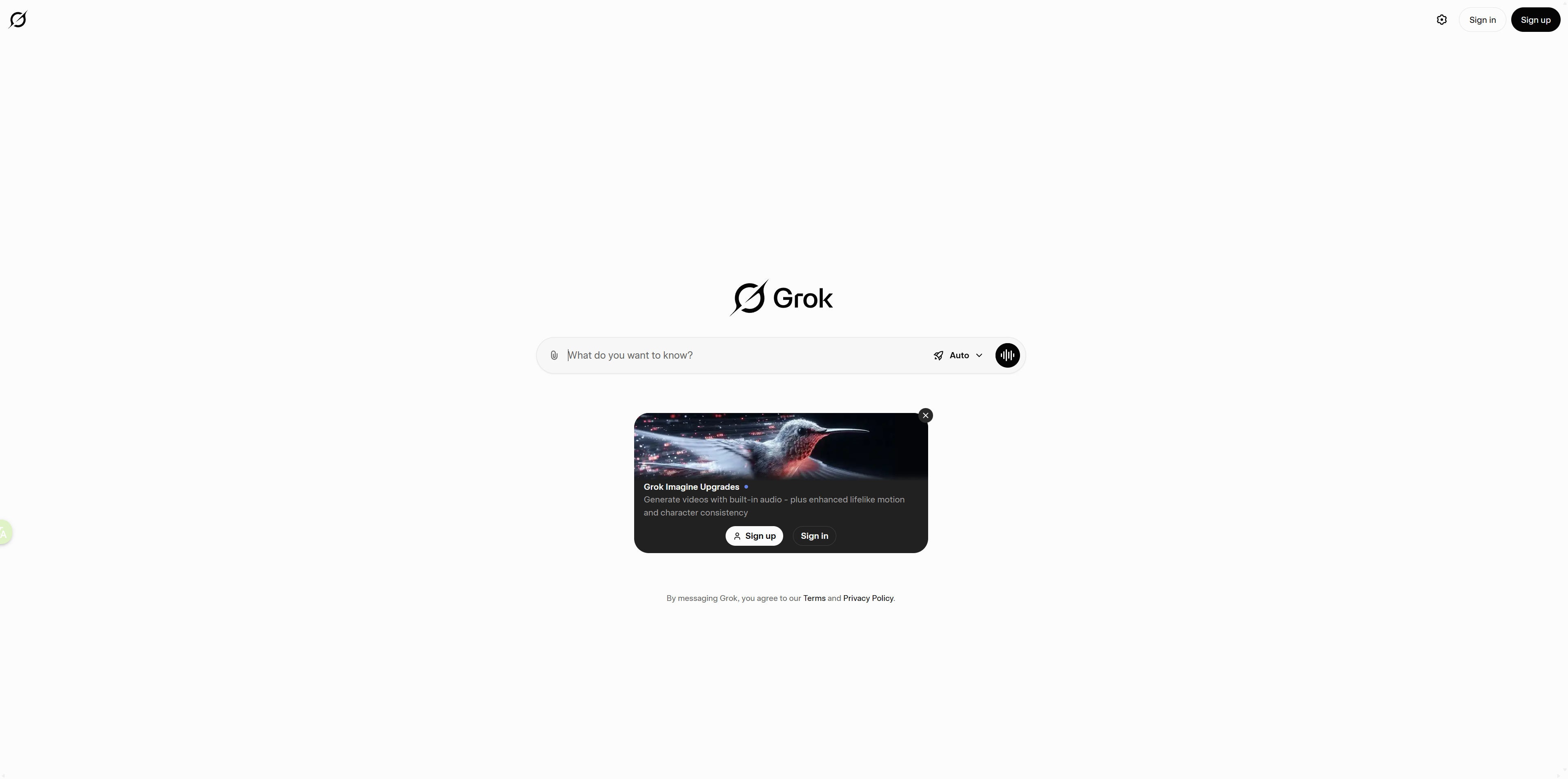
How to Use Grok
Step 1: Access & Sign In
- Open grok.com in your browser
- Sign in with your X account
- Advanced features such as Grok 3 require an X Premium+ subscription
Step 2: Start a Conversation
- Enter your questions or tasks in the main chat box
- Supports natural language queries, technical questions, creative requests, and real-time information searches
Step 3: Choose an Interaction Style
- Adjust your prompt based on the task
- For in-depth research: ask Grok to “simplify concepts” or “explain step by step”
- For creative outputs: use more open-ended prompts for idea generation
Step 4: Work With Multimodal Content
- Upload images for Grok to interpret and analyze
- Describe visuals in text to generate images
- Supports both image understanding and image creation
Step 5: Manage Your Conversations
- The left sidebar lists all previous chats
- Create new sessions, rename, delete, or organize them into folders
- Keeps your workspace structured and clutter-free
Interface & Navigation
Main Chat Area
- Displays your entire conversation history
- Supports Markdown, code blocks, tables, quotes, and more
Input Area
- Located at the bottom of the page
- Includes a text box, file upload option, and send button
- Supports Ctrl+Enter / Cmd+Enter for quick sending
Conversation Management Panel
- Located on the left sidebar
- Helps organize chats by category, improving workflow clarity
Important Notes
-
Subscription Requirement:
Access to Grok 3’s advanced capabilities requires X Premium+ -
Platform Integration:
Grok is tightly linked to the X platform; some features work only within its ecosystem -
Real-Time Information:
Grok can retrieve up-to-date online data, but users should verify accuracy for critical topics -
Response Style:
Grok’s replies can be direct and expressive
→ For professional use cases, specify tone or formatting as needed
Summary
Features of Grok
Use Cases of Grok
FAQ about Grok
QIs Grok free?
The web version offers free trial access. Advanced Grok 3 features require an X Premium+ subscription.
QHow is Grok different from ChatGPT?
Grok emphasizes real-time information retrieval and is deeply integrated with X platform for immediate data access.
QHow can I generate images using Grok?
Simply upload an image or describe what you need, and the system will automatically parse and generate visual content.
QDoes Grok support Chinese language?
Yes, it supports multilingual input/output including Chinese, suitable for cross-regional content creation.
QDoes Grok save conversation history?
Yes, it features conversation memory, and users can fully manage and delete their chat records.
Similar Tools

ChatGPT
ChatGPT is a powerful conversational AI platform created by OpenAI, offering advanced natural language understanding and generative capabilities. It helps users write high-quality content, generate ideas, answer complex questions, build and debug code, and streamline daily workflows. As a versatile AI assistant, ChatGPT supports productivity tasks for individuals, teams, and enterprises.

Grok AI Image Generator
Grok AI Image Generator is an online AI drawing tool powered by the Flux.1 model, helping users quickly create high-quality images from textual descriptions, suitable for art design, marketing content, and other creative scenarios.

Grokipedia
Grokipedia is an AI-powered online encyclopedia developed by xAI, built on the Grok large language model to automatically generate and update knowledge entries. It aims to provide users with fast, multilingual knowledge queries, supports content integration from real-time information sources, and presents it in a clean, streamlined interface.

ChatGOT AI
ChatGOT AI is a free intelligent chat assistant that combines conversational, writing, coding and image-generation AI capabilities, available on the web, browser extensions and mobile devices.

Giti AI Chat
Giti AI Chat is an intelligent multilingual chat and content creation tool. By leveraging natural language processing, it delivers cross-language text generation, editing, and Q&A services, helping users communicate efficiently and create content across a variety of scenarios.

Dezgo AI
Dezgo AI is an online AI-powered image and video generation platform that turns text prompts into visual content quickly. The platform integrates multiple advanced AI models to give creators fast, cost-effective tools for generating visuals when creative bandwidth or budgets are limited.

Tako AI Image Search
Tako AI Image Search is an AI tool integrated within the TikTok platform, offering smart Q&A search and AI image generation capabilities to help users quickly obtain information and create visual content.